

GOAL
Create a set of standards to manage design at scale using reusable components and patterns.
1
Deliver consistent design
2
Create solid standard operating procedures for our team
3
Consistently save time and resources for both UX and dev teams
OUTCOMES & IMPACT
👍 Spearheaded building our design system from the ground up
👍 Designed platform-wide React components across 4 platforms, 8 micro-frontends, and multiple products
👍 Expanded the design system by 400%, covering components, patterns, and interaction models
👍 Accelerated design lead time by 30-40%
👍 Reduced UX and development rework through shared standards
👍 Elevated UX maturity across product and engineering teams
CONTENTS
1.0 Creation
Building out the design system and the UI library.
2.0 Process & Governance
A contribution model to ensure our UX team grows the design system together.
3.0 Maintenance
Keeping the design system up-to-date to minimize drift
4.0 Analytics
Measuring the efficacy of the design system over time
1.0 CREATION
Why the System Exists
This design system was built to solve a scaling problem.
As Solace grew across products, platforms, and teams, UX quality became harder to sustain. Designers were spending time continually re-solving trivial problems, developers were re-implementing patterns inconsistently, and product teams lacked a shared language for decision-making.
The design system’s primary goal was to operationalize good design, make quality repeatable, accessible, and measurable across the organization.
Foundational, styling, component, layout, and UX writing patterns, symbols, and process guides were created
1
Advocated for stakeholder buy-in to secure resources necessary for building and maintaining a scalable system
2
Solidified a strategic vision that aligned design system goals with long-term organizational objectives
3
Benchmarked industry standards to architect a solid foundation based on world-class design system principles
4
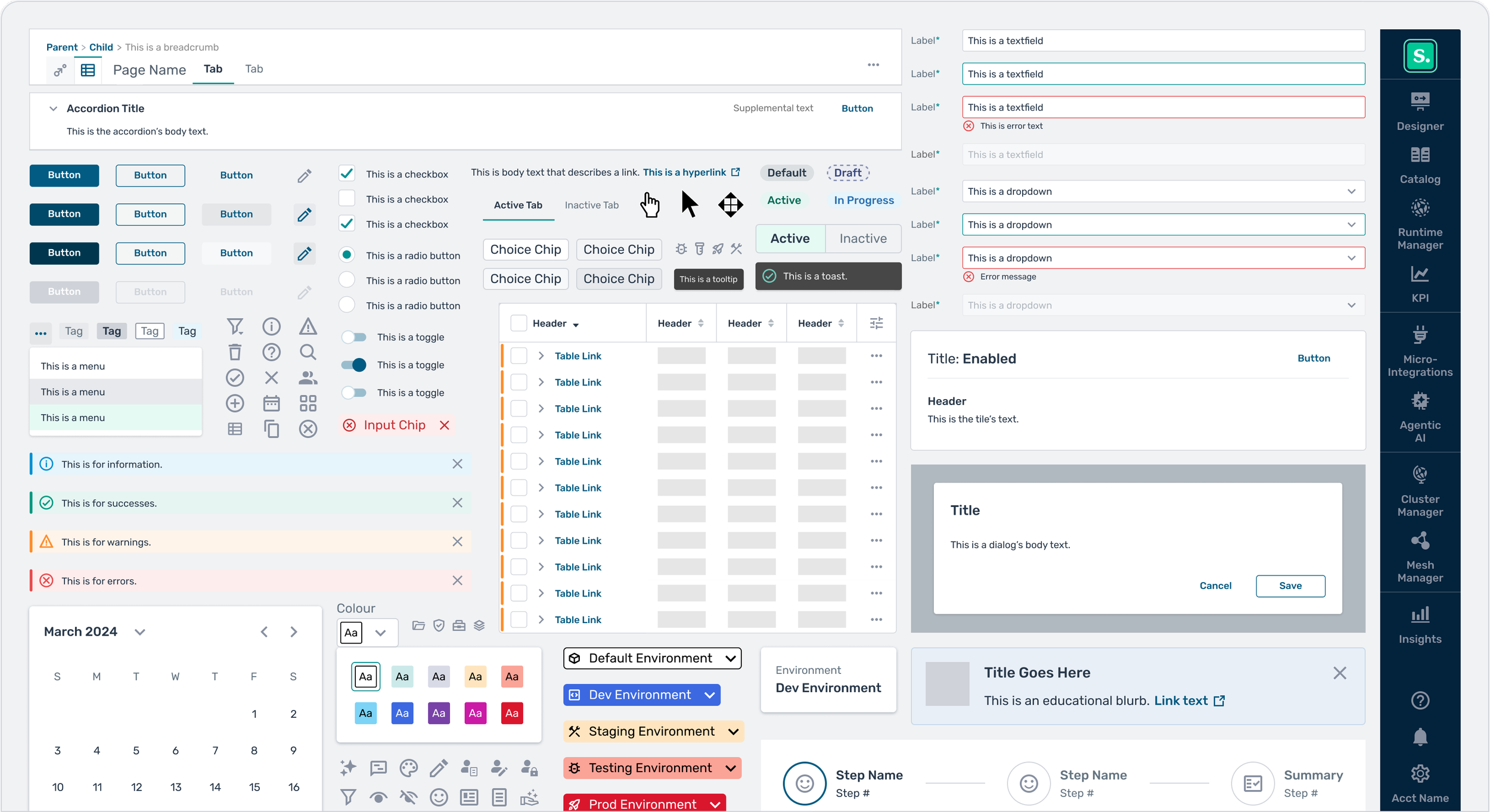
Built a comprehensive library of 450+ patterns and components to eliminate UI fragmentation and technical debt
5
Integrated a dedicated SDLC for the design system into the broader feature development lifecycle to co-ordinate delivery
6
Evangelized the system across cross-functional teams to drive enterprise-wide adoption and collective ownership
Phase 1: Building the foundation
A good design system is a whole ecosystem.
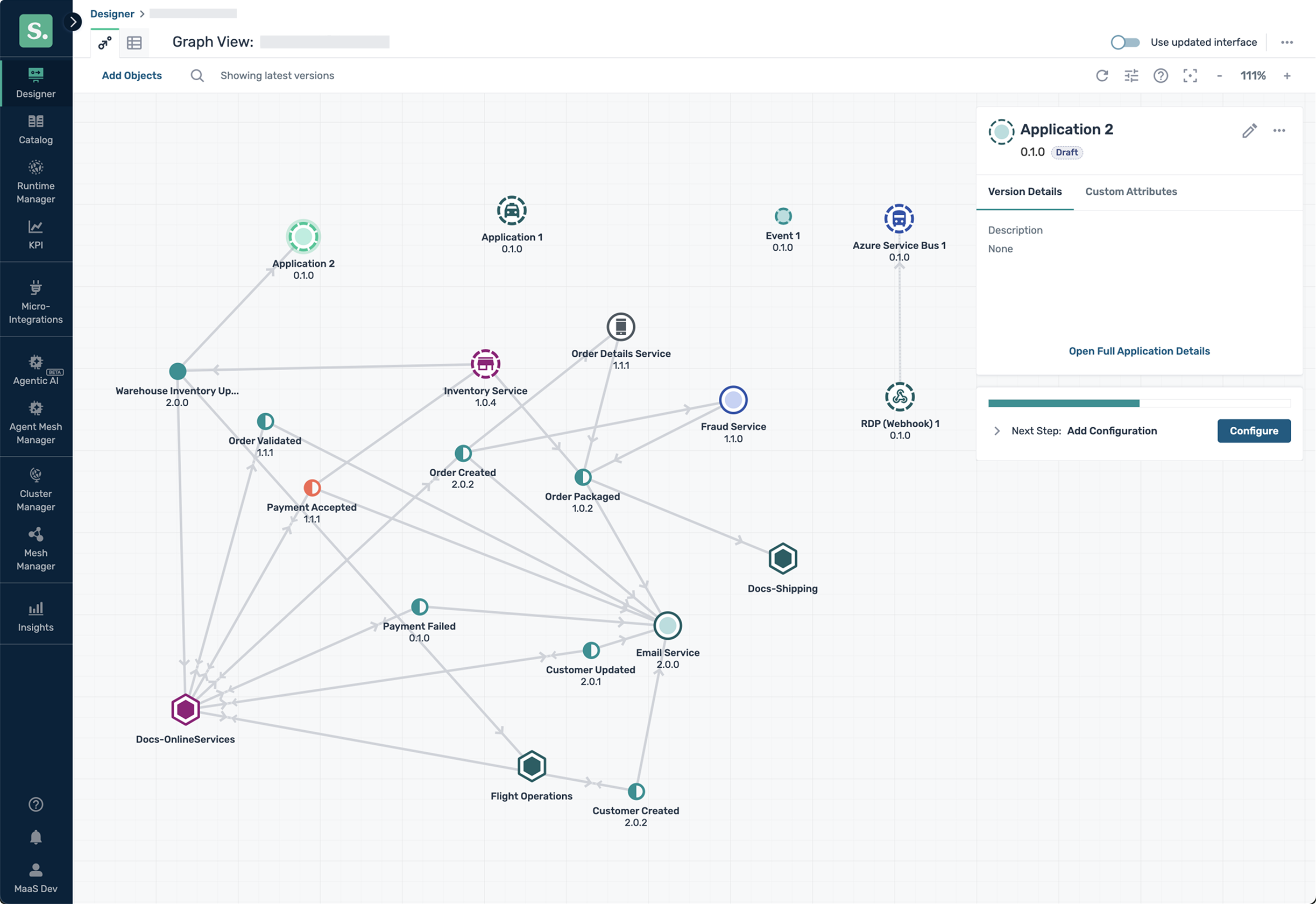
It needed a vision, roadmap, and success metrics that were aligned to both user experience and business outcomes. The project was first kicked off by establishing product principles rooted in the Solace brand and UX heuristics, giving us a clear direction for our designs moving forward. The initial growth phase was complete once we had documented the most essential patterns, had a complete set of robust Figma symbols, and unblocked the implementation of a common UI library. Eventually, the system grew from a single button pattern to over 450 components and completely changed the look and feel of our Solace Platform.
One of our largest design system features to date - a themeable WCAG AA compliant colour system
Mapping the colour palette to each UI component in Storybook
Before & After Images




2.0 PROCESS & GOVERNANCE
Phase 2: From building blocks to system design
After creating the basic building blocks, we needed standardized process and proper governance. As our team grew, we needed to reduce ambiguity, decrease lead-time, and improve communication, so proper guidelines were established.
Eventually, the need to address repetitive questions dropped and our design velocity massively increased. This helped us shift left in the Software Development Life Cycle and enabled our UX team to focus on bigger-picture problems.
1
Defined documentation standards to ensure consistency and predictable handoffs between design and engineering
2
Architected an evaluation framework to objectively prioritize system needs based on business and user impact
3
Facilitated quarterly prioritization meetings to align resource allocation and task sizing with product roadmaps
4
Incentivized accountability by incorporating system contributions into quarterly performance success factors
Our design system’s development lifecycle
A regular quarterly prioritization meeting used the Moscow Analysis to allot design system tasks for our quarterly roadmap
The Moscow Analysis was used as the method to rank UX needs
3.0 MAINTENANCE
Phase 3: Keeping the system up-to-date
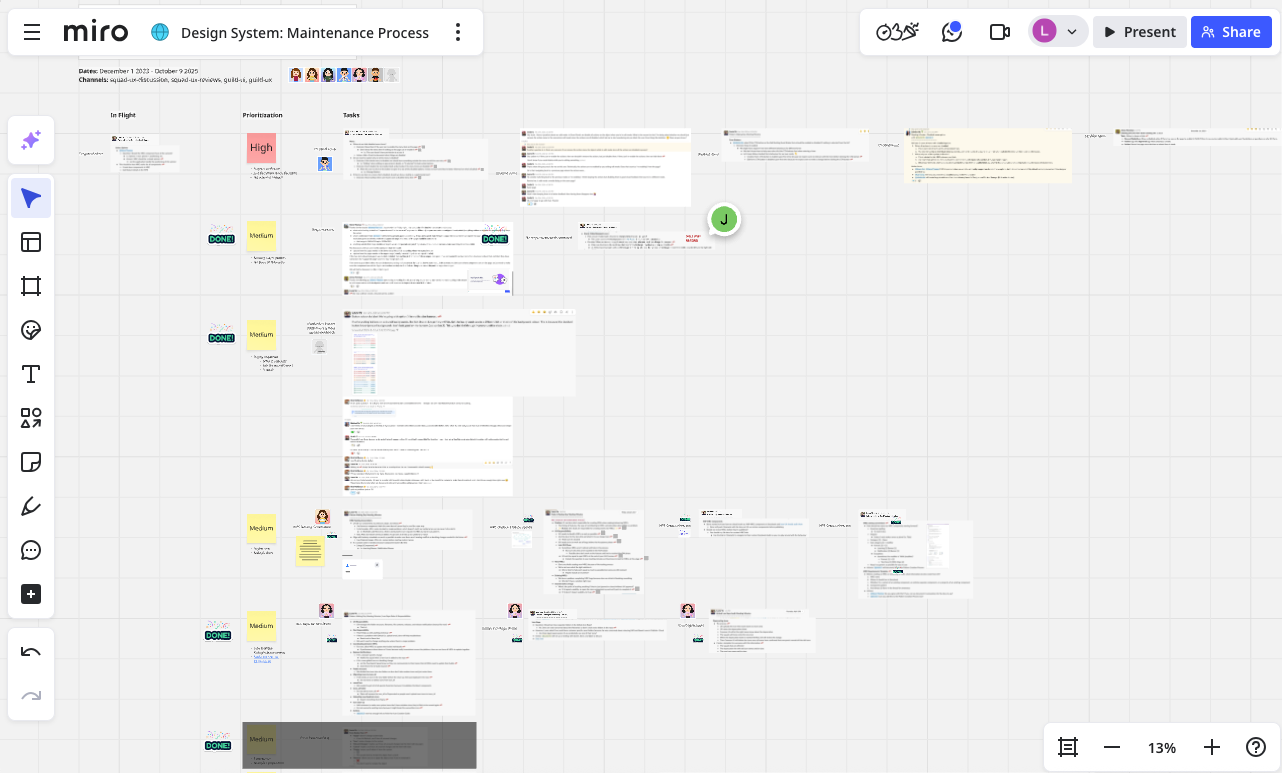
As the design system scaled, lack of maintenance surfaced as an operational gap. Small design decisions began appearing in feature meetings or offline Slack discussions. The patterns weren’t being enhanced and I needed the design system to remain the single source of truth in order to stay relevant to our users. To address this, I defined a lightweight maintenance process that logged and reconciled these micro-decisions, thereby preventing the system from drifting out-of-sync.
This operational foundation allowed us to maintain our speed and the system to grow sustainably as teams, products, and platforms expanded.
1
Architected automated workflows to integrate tools and document micro-decisions in a centralized, digestible format
2
Devised a Slack-based mechanism for designers to instantly capture rapid decisions without adding overhead to their workflow
3
Facilitated recurring working sessions to collaboratively update patterns and maintain a living source of truth

4.0 ANALYTICS
Phase 4: Measuring Micro-Frontend (MFE) adoption
Once we had a good rhythm, I used AI and the CASTLE framework to measure the efficacy of the design system. I wanted to target our efforts utlizing data to understand how the system was being consumed, and address any unseen pain points. Starting from business goals, I defined metrics that revealed whether teams were shifting away from custom components and toward the design system as a single source of truth. These metrics were translated into positive and negative signals to understand the current developer landscape and how the system was actually being used. Attitudinal metrics were measured through surveys, while behavioural metrics focused on adoption rates and defect patterns. This AI-assisted analysis helped surface trends and guided more targeted system improvements.
1
Architected a design system maturity tracker measuring five key pillars to provide clear observability into system performance
2
Leveraged data-driven insights to target high-impact improvements and ensure the system remains aligned with business North Stars
3
Facilitated recurring working sessions to collaboratively update patterns and maintain a living source of truth
5.0 NEXT STEPS
Phase 5: Integrating AI
The next evolution is transforming our design system to become AI-consumable, then integrating it with Claude Code and a Figma MCP server. Our goal is to allow devs to bypass the patterns and UI library altogether and jump straight to vibe coding full features through their IDE or CLI. By making our system “invisible” to the user, it reduces onboarding costs and it’ll become fully integrated into our workflows without anyone realizing it.

The system is never “done.”
It continues to evolve through analytics, user research, and close partnership with product and engineering. By treating the design system as both infrastructure and strategy, it remains adaptable to new products, technologies, and organizational needs. This work sits at the intersection of design, operations, and leadership where systems thinking has the greatest leverage.